


 October 28,
2025
October 28,
2025
 5 min read
Strings are one of the most frequently used data types in Python, especially when working with user input, files, or text data. To handle strings effectively, Python provides several built-in functions that simplify text processing. Among them, split(), splitlines(), startswith(), and endswith() are commonly used for breaking strings and validating text patterns. This beginner-friendly guide explains these functions with clear examples and easy-to-follow Python code.
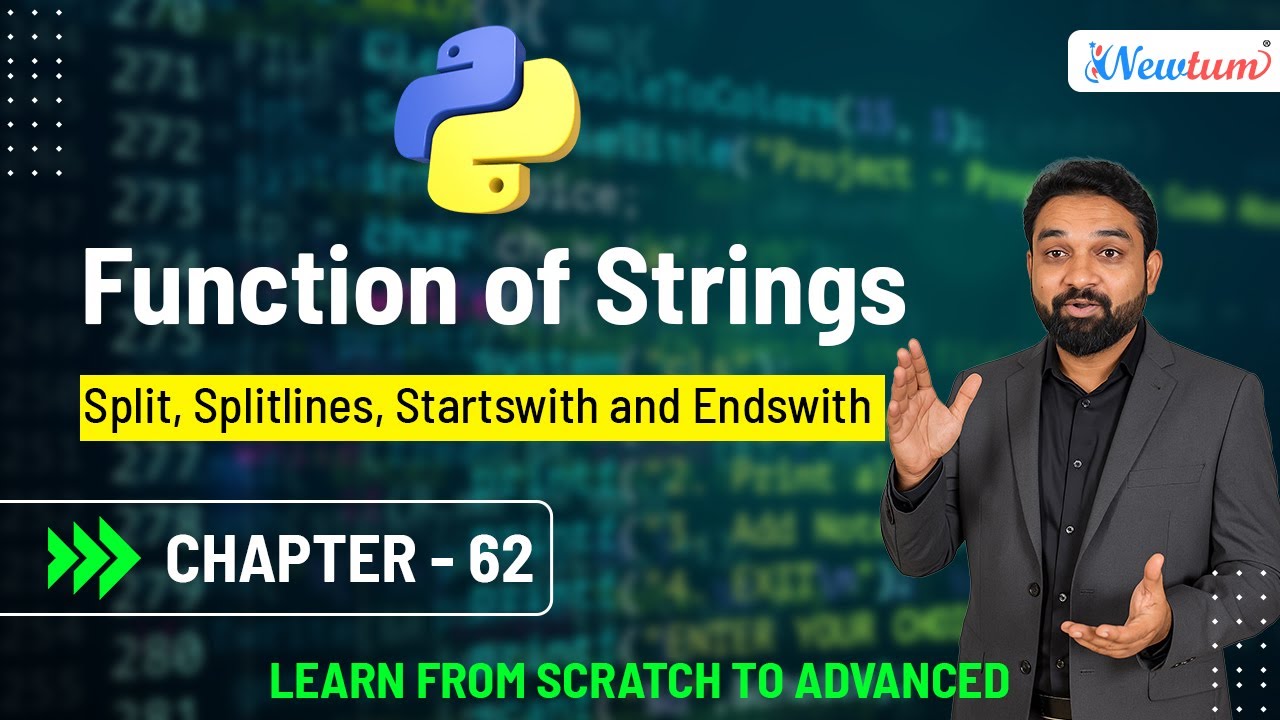

Python string methods are designed to make text manipulation simple and readable. The split() function is used to divide a string into multiple parts based on a specified separator. By default, it splits a string wherever it finds whitespace. This method is extremely useful when processing sentences, extracting words, or handling comma-separated values from user input or files.
The splitlines() function is specifically used to break a string into individual lines. It splits the string at line boundaries such as \n and returns a list of lines. This function is especially helpful when reading multi-line data from text files or handling formatted output. Unlike split(), which focuses on separators, splitlines() focuses only on line breaks.
The startswith() function checks whether a string begins with a given substring. It returns True if the condition is satisfied and False otherwise. This method is often used for validation tasks, such as checking whether a file name starts with a specific prefix or whether a URL begins with "https". It also supports optional start and end positions for more controlled checks.
Similarly, the endswith() function checks whether a string ends with a specified substring. It also returns a Boolean value and is commonly used to validate file extensions, email domains, or sentence endings. Both startswith() and endswith() are case-sensitive, meaning "Python" and "python" are treated as different strings.
Together, these four string functions allow beginners to handle text data more efficiently. They reduce the need for complex logic and help write clean, readable Python code. Mastering these methods is an important step toward becoming confident in Python string manipulation.
                                    Split words: ['Python', 'is', 'easy', 'to', 'learn', 'Python', 'is', 'powerful']

                                    Split lines: ['Python is easy to learn', 'Python is powerful']

                                    Starts with 'Python': True

                                    Ends with 'powerful': True
Check out our YouTube video where we break down the concepts, show examples, and guide you through the process.
Watch the video here!
The Python string functions split(), splitlines(), startswith(), and endswith() are essential tools for beginners working with text data. They simplify string breaking and validation tasks, making code cleaner and easier to understand. Learning these functions builds a strong foundation for handling real-world text processing in Python.
splitlines() breaks a string at line boundaries, while split() uses a defined separator such as spaces or commas.
Yes. Both methods treat uppercase and lowercase characters differently.
Yes. They can accept a tuple of strings to check against multiple options.
Absolutely. These methods are simple, safe, and commonly used in beginner-level Python programming.
Effective string handling transforms simple Python programs into powerful text-processing tools.
— Manoj KolheUnlock the tools and insights you need to thrive on social media with Newtum. Join our community for expert tips, trending strategies, and resources that empower you to stand out and succeed.

Newtum is an emerging online academy offering a wide range of high-end technical courses for people of all ages. We offer courses based on the latest demands and future of the IT industry.
© Newtum, Inc. All Rights Reserved.


