



 July 12,
2025
July 12,
2025  3 min read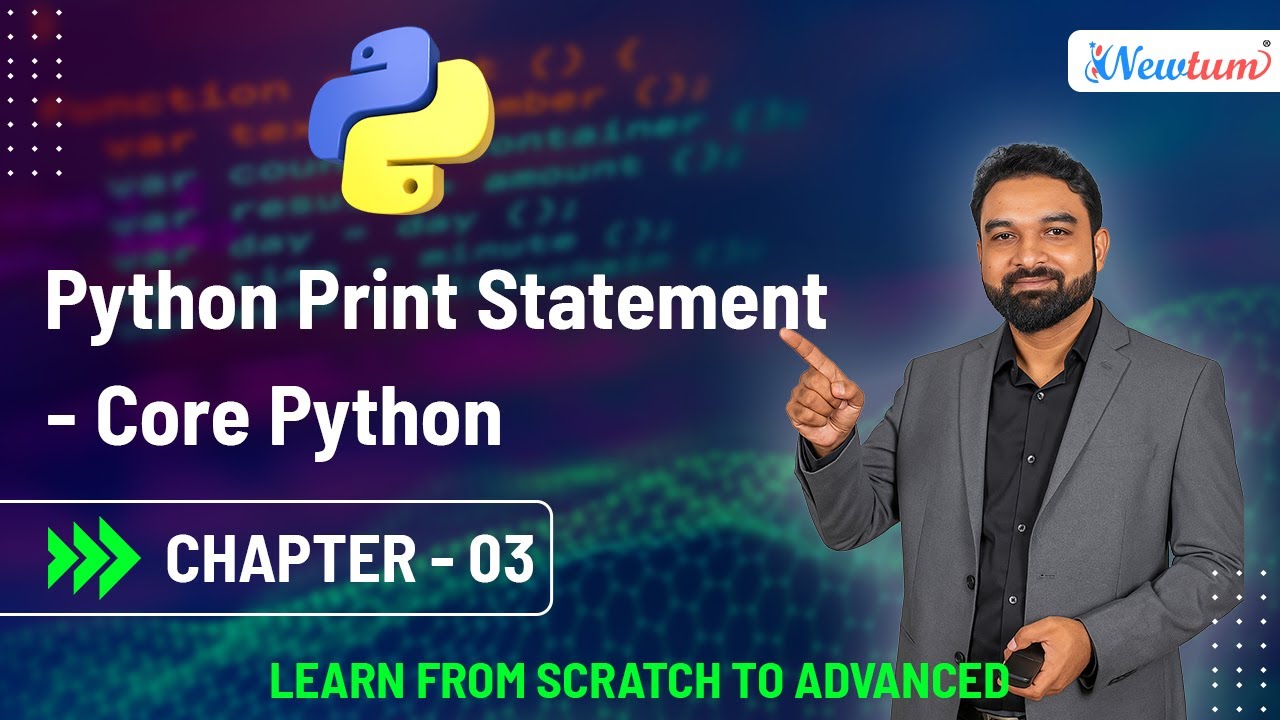

Understanding the Basics of Print in Python
When starting with Python, the first thing you usually write is a simple program to print a message. You can write Python code in several environments, like downloading Python from the official site, using Anaconda with Jupyter Notebooks or Spyder, or installing IDEs like PyCharm. However, for absolute beginners, using an online compiler is the easiest and fastest way to get started.
The print() statement is a built-in Python function used to display messages or output. You write your desired text inside double or single quotes within parentheses. It's important to note that Python is case-sensitive, so you must use lowercase print.
Here’s what we explored:
- To display simple text, use: print("Hello")
- Each print() command outputs on a new line by default
- For new lines within a single print, use \n (newline escape character)
- For tabbed space, use \t (tab escape character)
Combining multiple lines and formatting them in a single print command gives you control over how your output looks. These basic formatting tools help build your understanding of more complex outputs, which we’ll cover in future lessons.
Sample Python Code
Code Explanation
- Line 1: Prints "Hello" as basic output.
- Lines 3-5: Each print() outputs on a new line by default.
- Line 7: Uses \n to add line breaks inside a single print() call.
- Lines 9-11: Uses \t to add tab spaces before the text for formatting output.
Output of the Code
							      Hello

								  C

								  C++

   								  C#

								  C

								  C++

								  C#

								  C
Watch the Video
If you're just starting your Python learning journey, don’t miss the full video on our Newtum YouTube channel. We’ve explained every step visually, so you can follow along easily. Watch the Full Video Tutorial on YouTube:
Conclusion
In conclusion, using print() is your first step in Python. It may look simple, but it’s a powerful way to control how your program communicates with the user. Start small, stay consistent, and you’ll build great things with Python!