


 October 20,
2025
October 20,
2025
 5 min read
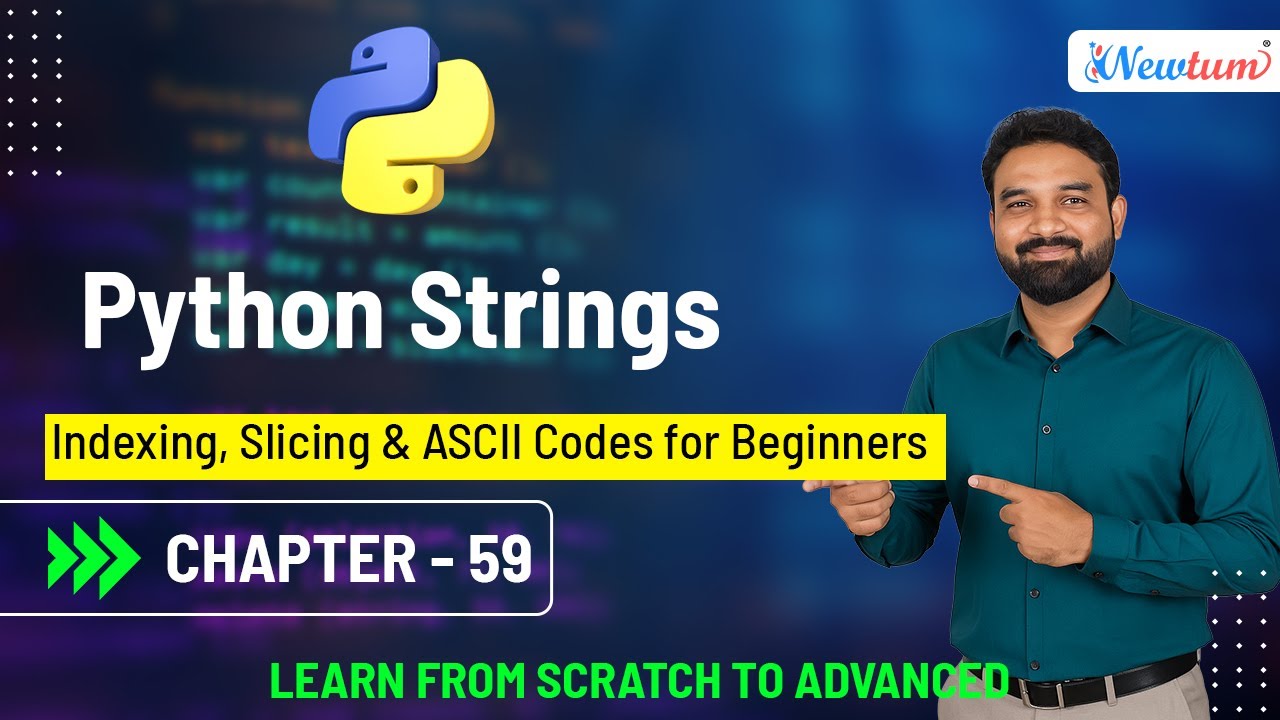
Python strings are one of the most commonly used data types and are essential for handling textual data. Strings allow you to store, access, and manipulate text in flexible ways. Beginners often start by learning indexing, slicing, and understanding ASCII codes to work with individual characters efficiently. In this tutorial, we’ll explore these concepts with simple examples, making it easy to understand and apply them in real-world Python programs.

Indexing in Python Strings
Each character in a Python string has a position called an index. Indexing starts from 0 for the first character and goes up to len(string)-1 for the last character. Negative indexing starts from -1 for the last character and moves backward. Indexing allows you to access individual characters easily.
Slicing in Python Strings
Slicing is a way to extract a portion of a string by specifying a start, stop, and optional step. The syntax is string[start:stop:step]. Slicing is useful for extracting substrings, reversing strings, or skipping characters systematically.
ASCII Codes in Python
Each character in Python has a corresponding ASCII code, a numerical representation used by computers. The ord() function converts a character to its ASCII value, while chr() converts an ASCII number back to a character. Understanding ASCII codes is useful for encoding, encryption, and character-based calculations.
By mastering indexing, slicing, and ASCII codes, beginners gain control over string manipulation and can handle text efficiently in Python applications. Let’s look at practical examples to make these concepts clear.
                                    Original String: Python

                                    First Character: P

                                    Last Character: n

                                    Slice [0:4]: Pyth

                                    Slice [::2]: Pto

                                    Reversed String: nohtyP

                                    ASCII of 'P': 80

                                    Character for ASCII 80: P
Check out our YouTube video where we break down the concepts, show examples, and guide you through the process.
Watch the video here!
Python strings, along with indexing, slicing, and ASCII codes, are fundamental for text manipulation. By understanding these concepts, beginners can efficiently access, modify, and process string data. Mastering these skills lays a strong foundation for more advanced Python programming and text-based applications.
Slicing extracts a substring using the syntax string[start:stop:step], allowing flexible text manipulation.
ord() converts a character to its ASCII value, and chr() converts an ASCII value back to a character.
Yes. Negative indexes start from -1 for the last character and move backward.
ASCII codes are essential for character encoding, encryption, and numerical operations on text.
Strings in Python are not just text — they’re powerful tools for manipulation, analysis, and creativity.
— Manoj KolheUnlock the tools and insights you need to thrive on social media with Newtum. Join our community for expert tips, trending strategies, and resources that empower you to stand out and succeed.

Newtum is an emerging online academy offering a wide range of high-end technical courses for people of all ages. We offer courses based on the latest demands and future of the IT industry.
© Newtum, Inc. All Rights Reserved.


